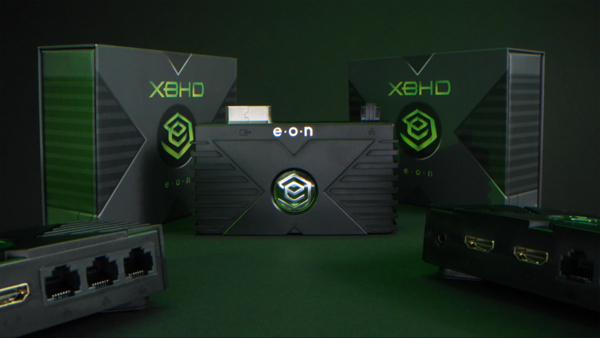
EON Gaming’s (@EON_gamingHD) highly anticipated community-requested update for its latest adapter, the XBHD is available now. The first-of-its-kind, all-in-one original Xbox adapter enhances its out-of-box brightness capabilities via a firmware update, allowing for a more streamlined experience.
As gift-giving season approaches, retro enthusiasts can purchase EON’s critically acclaimed HD adapters for 20% off on Black Friday and Cyber Monday on their website at www.eongaming.tech. All XBHD orders purchased during this period will be fulfilled by firmware updated units.
Load up classic games like Halo: Combat Evolved, Star Wars: Knights of the Old Republic, Soulcalibur II, and many more in the best video quality possible for Microsoft’s original hardware.
XBHD features an all-in-one, plug-and-play, with no extra cables or external power needed. Game lag-free with support ranging from 480i, 480p, 720p, and 1080i resolutions.
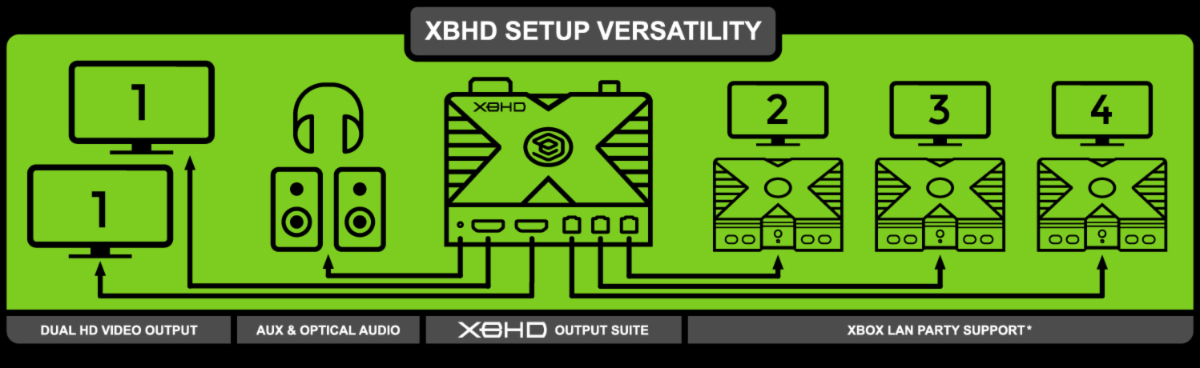
Play on multiple displays simultaneously or stream seamlessly through dual HD video ports, and host the ultimate LAN party just like the old days thanks to three RJ45 ethernet connectors.
Experience clear audio with support from the MiniToslink 3.5mm port for speaker systems, headphones, and even capture cards.
Snag the XBHD and any other EON HD adapters for 20% off on Black Friday and Cyber Monday via the official site, shipping worldwide
Finally, after many years of dedication and hardworking, also many sleepless nights, Fursan al-Aqsa, the full game, is available now. Resisting the Zionist Occupation is NOT Terrorism!
Fursan al-Aqsa® is an Action Game which addresses the Israel x Palestine conflict from a Palestinian perspective, breaking the cliché of portraying Arabs as Terrorists. You will play in missions across Palestine with many objectives to accomplish, epic battles, powerful guns, vehicles to drive and more.
In Fursan al-Aqsa: The Knights of the Al-Aqsa Mosque®, you play as Ahmad al-Falastini, a young Palestinian Student who was unjustly tortured and jailed by Israeli Soldiers for 5 years, had all his family killed by an Israeli Airstrike and now, after getting out from the prison, seeks revenge against those who wronged him, killed his family and stolen his homeland, by joining a new Palestinian Resistance Movement called Fursan al-Aqsa: The Knights of the Al-Aqsa Mosque®.
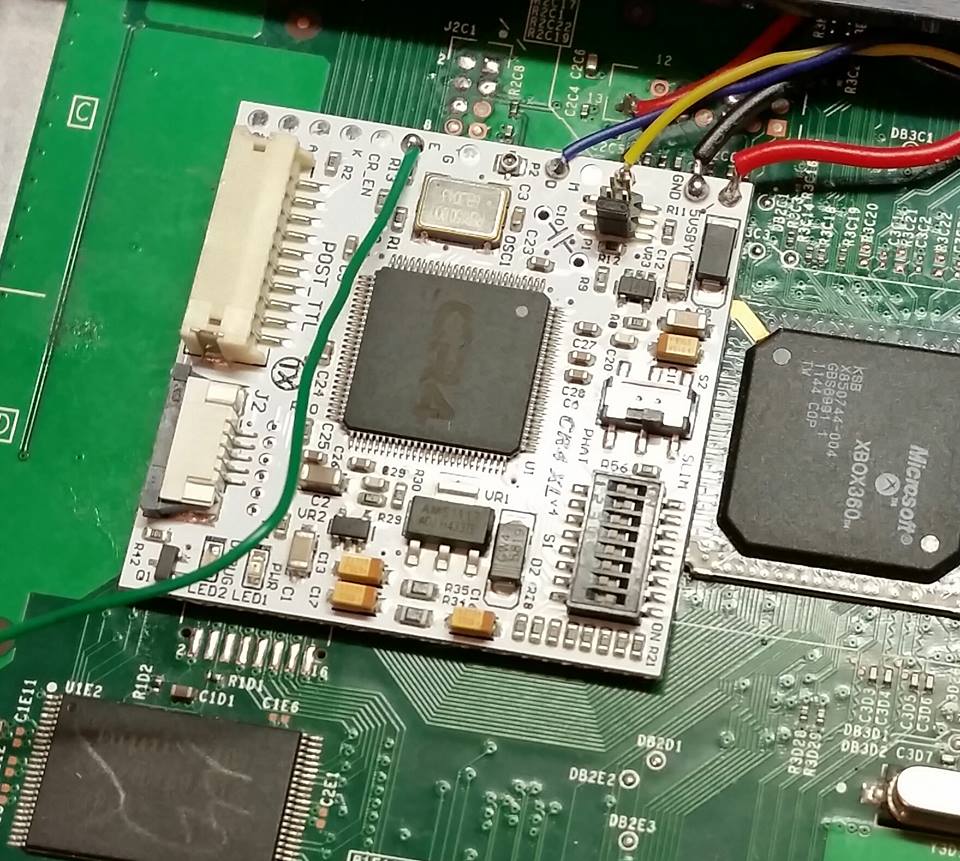
The console version of this game is a Homebrew App, which means it only runs on Hacked Consoles (PS3 CFW/HEN, Xbox360 RGH/JTAG). And even though the content is the same (Campaign + Multiplayer), the PS3 and Xbox360 versions of Fursan al-Aqsa are inferior to the PC version, regarding graphics and performance.
Fursan al-Aqsa is available now on PC via Steam, Xbox 360 (RGH/JTAG) and PS3 (CFW/HEN).
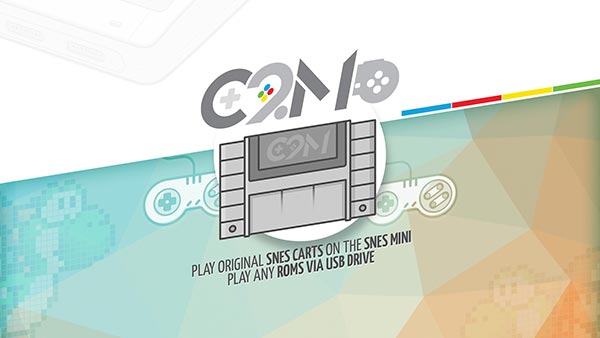
Learn how to play all SNES Cartridges and Roms from USB on your SNES Mini, NES Mini and Shonen Jump Mini.
Classic 2 Magic (C2M) is an external plug & play accessory for the SNES Classic Mini that allows users to play any of their original SNES cartridges on their SNES Classic. It also includes additional features to support more games and systems via a USB port.
Before we talk about this new advanced feature (and by advanced, we mean for people who truly like to experiment beyond limits), first, the good news for all our customers: We receive a lot of requests from users who can't find certain games in original format and ask us if they know where they could find the ROMs using C2M to play them on their SNES Mini. Well better than that, a forum member of the popular Maxconsole.com site posted a batch of ROMpacks. Not only for SNES, but also for many other systems, N64, GBA, Genesis (Megadrive) and more. We couldn't count, but a good approximate is 8000+ games are available there.
Simply go to: https://www.maxconsole.com, then copy the games you like to a USB memory stick (USB thumb drive), insert in your C2M, and your SNES Mini Classic turns into the most complete retro gaming console ever!! Enjoy endless retro gameplay!
Now for the true geeks the C2M team (which obviously are geeks as well) have developed some software that allows you to use C2M to run any SNES cartridge on basically any system that supports USB: PC Computer, Raspberry Pis, games consoles, etc. We are not going to get into too much details now, as it will get most of you lost quickly, but if you know your stuff, you will love this.
All files and instructions are included in the Download section of our site. http://classic2magic.com/
If you are a techie, you will love this.
That's it for today. Oh, and one last thing: yes, we do have in plan for C2M for NES Classic, it is already in the works, and we are hoping for Nintendo to release a N64 Classic. We can't wait to dust off our Goldeneye cart!
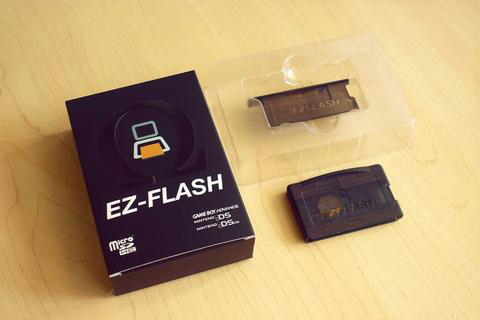
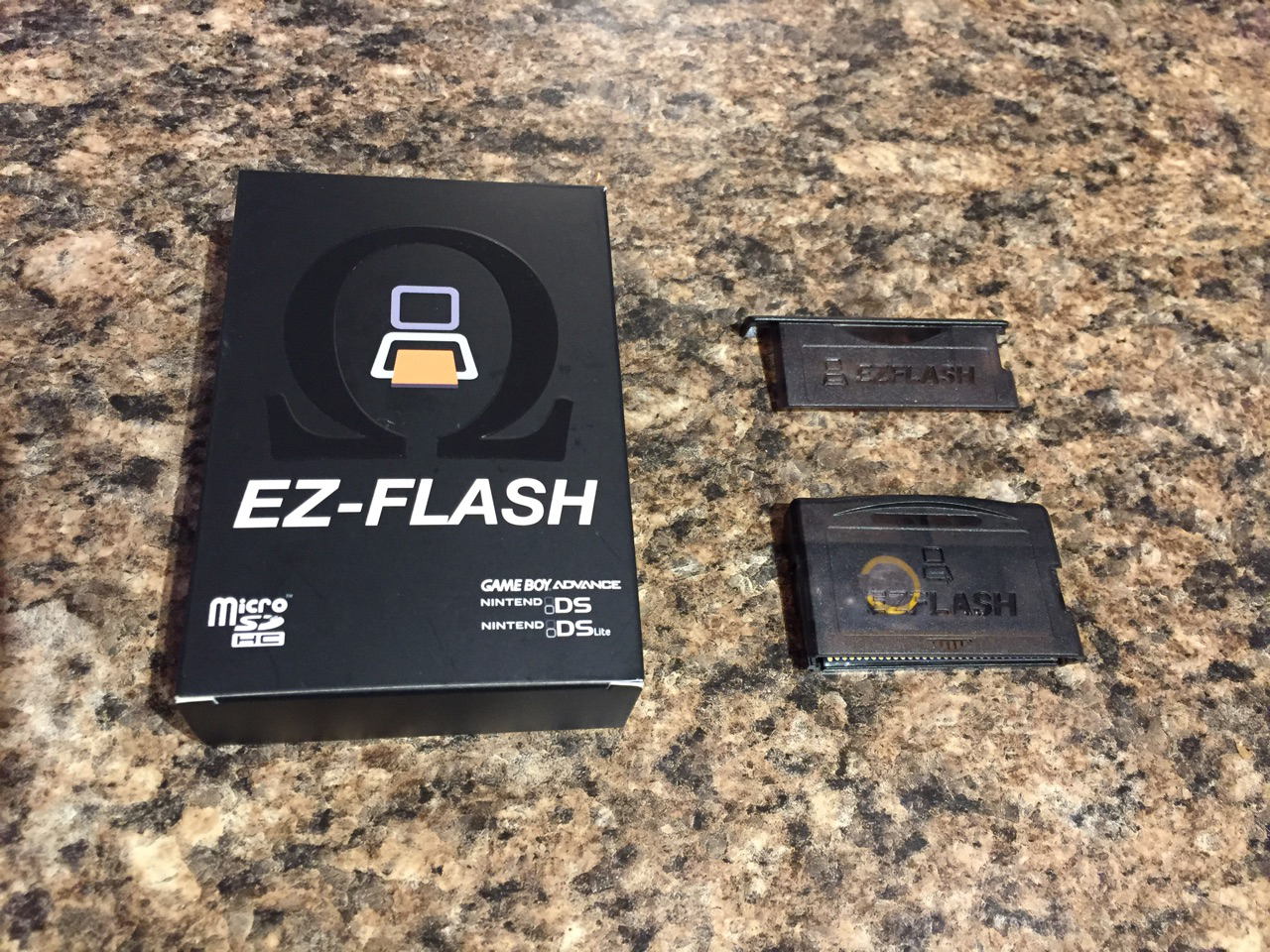
Hello, fellow gamer's the guys over at Shop01Media have hooked us up with EZ-Flash Omega to have a look at and review. The Ultimate GBA/NDS Flash Cart which has amazing features, support of a 128gb Micro SD Card which is overkill but awesome just all the same and Instant Game Save feature.
EZ-Flash Omega Feature
The biggest new, very cool feature is instant saving games. The direct save is native builtin, hardware emulated, works with clean mode, no need to patch or hotkey save. it works without battery completely
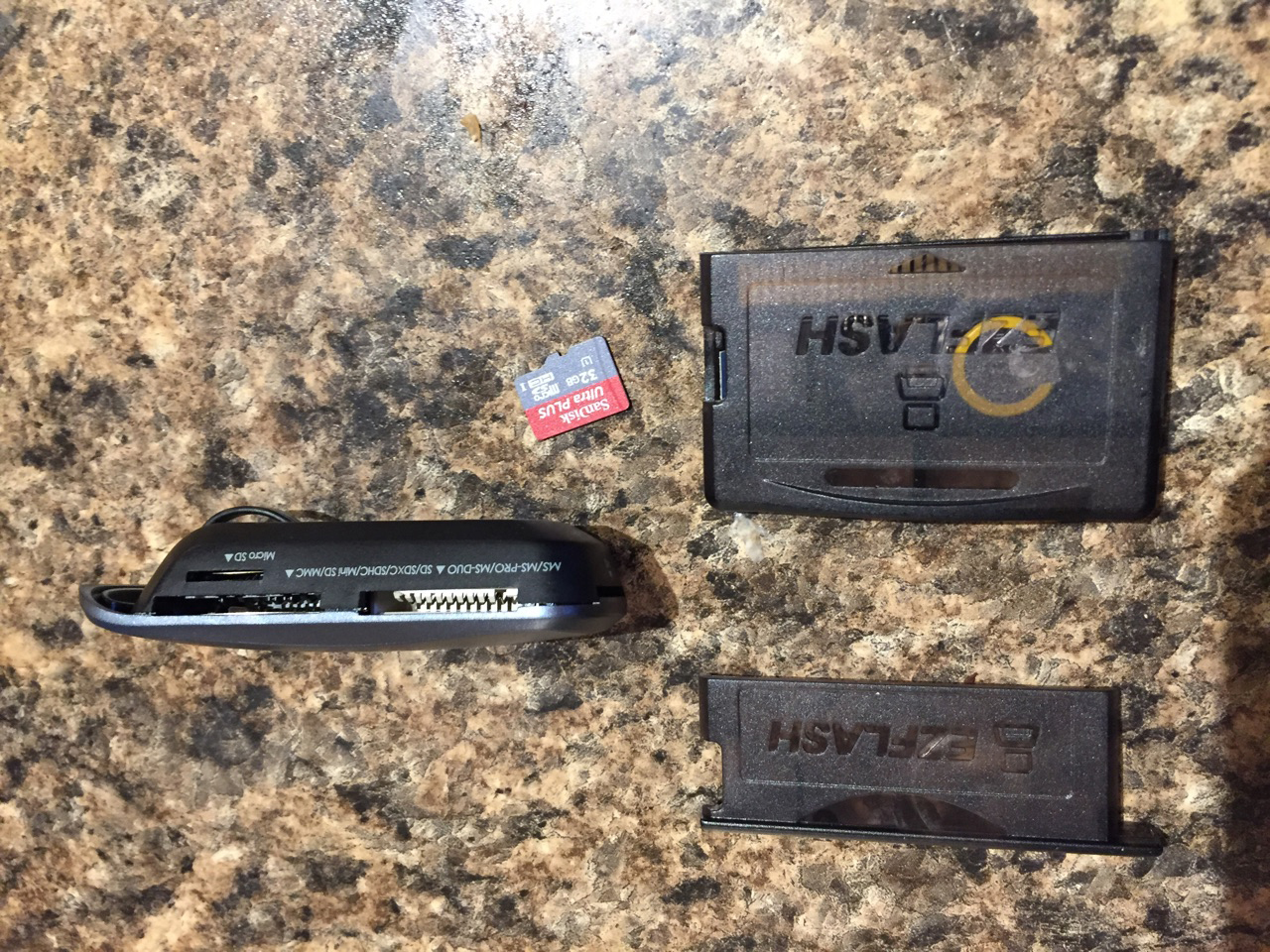
So the Ez-Flash Omega is an easy flash cart to use with many options and features, I have my card reader and a 32gb Micro SD Card, First I went over to Ez-Flash Website and downloaded any updates and followed their easy manual on how to update and the controls of Ez-Flash. After that, I loaded some of my games onto the sd card and I am very impressed this makes things so much easier than carrying a bunch of cartridges around and boot times are super fast.
The instant save feature is amazing and works as they directed which is after you save wait a few seconds before shutting off so it gives time for it to write to the sd card. They also have a download for cheats. I have not tried this personally as I really never use it but might be a great feature for others. My 32gb Micro SD is a bit of an overkill but I always like to have that extra room. Again the Ez-Flash Omega is really easy to use even for a beginner, I was up and running in less than 5 minutes. That's without even knowing anything about how to use a flash cart. Now I have an amazing flash cart with all my games on one card allowing me to free up some space in my travel bag when I go camping or those long drives perfect investment. Now I just need to get a Back Lit Mod for my GBA to make it the ultimate little portable gaming machine.
Let's take a closer look at the features:
GBA game copy and play, no client needed
Fast patch engine, instat game load speed, additional manual patch engine to support modified rom
Hardware based direct save to SD card
Cheat
Save states
Real time clock
Sleep
Hotkey customizable
256Mb PSRAM suppot all game instant load
512Mb Norflash, keep your favorite games
System on chip level recovery mode, prevent upgrade dead
Firmware and kernel both are upgradable
GB/GBC/NES game copy and play
Support FAT16/FAT32/EXFAT
Support for 128Mb - 128GB Micro SD memory cards
Compatible with all GBA
Can be used on NDS and NDS Lite consoles with GBA games.
Compatible with 99% of GBA and NDS games.
Can be used on NDS and NDS Lite consoles with NDS games if a pass me device is used (not the NDS flash cart but it works).
If you guy's are looking for a great place to go to get your gaming products, check out Shop01Media, they're very helpful and ship to a whole bunch of places around the world. The Shop01Media website has a large selection for most consoles (retro and new). Shipping is pretty fast from them and does not take to long. I have personally bought quite a few products from them and have always been happy. Finally, they also have Xecuter SX Pro and Xecuter SX OS for the Nintendo Switch.
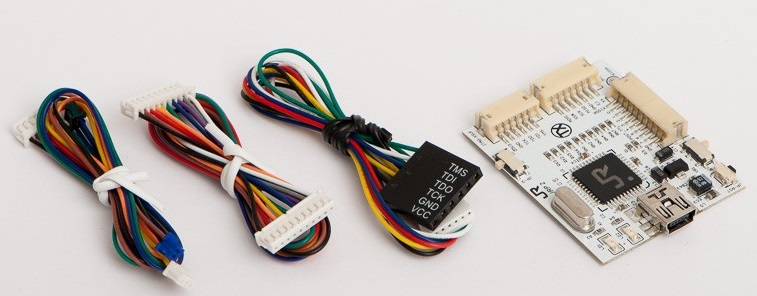
This is also known as the RGX as it was first only used to pull the key for slims only good for slims also for the RGH But with Xecuter releasing a couple tweaked files its like having a ck3 pro but better.
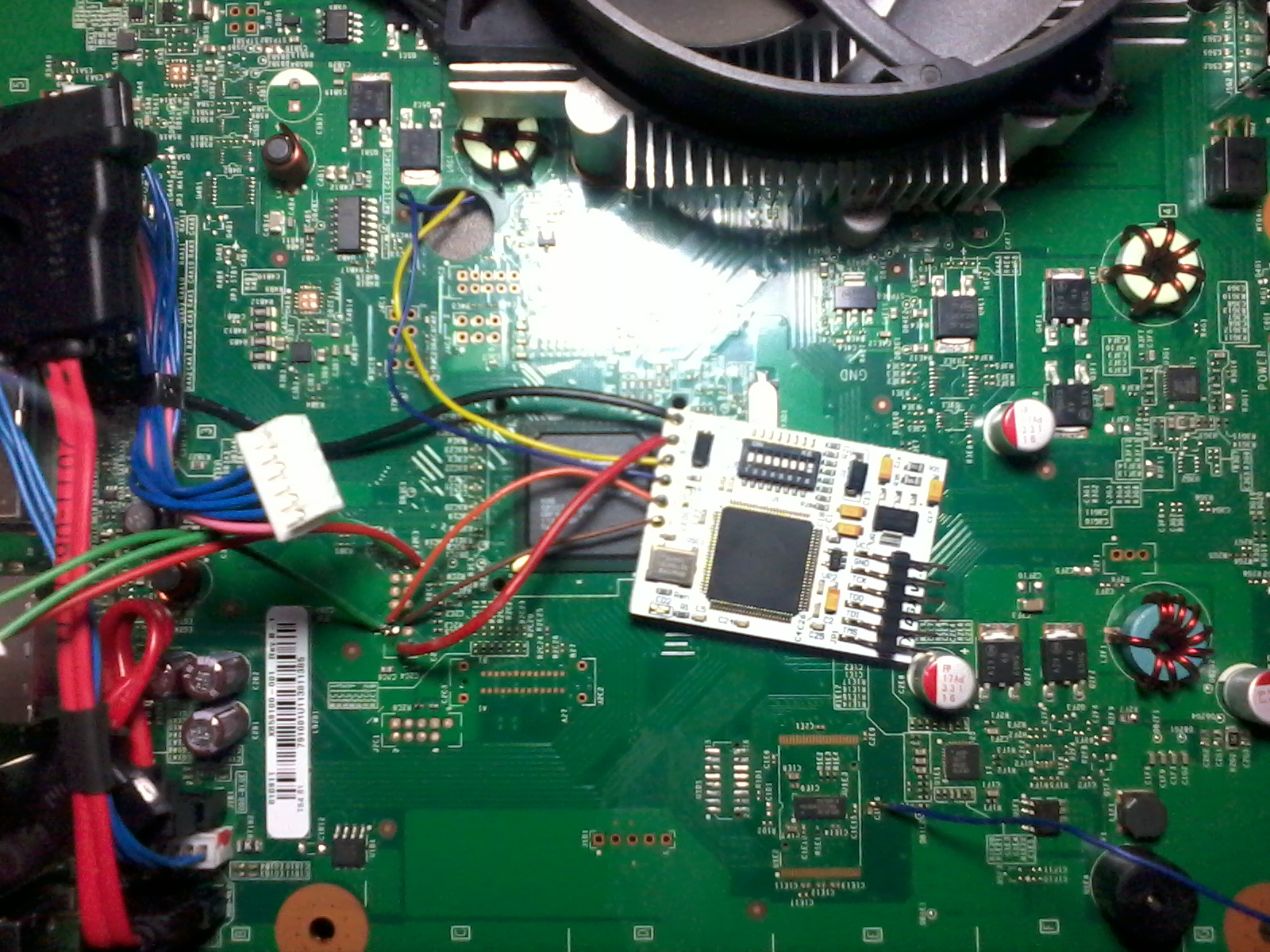
Xbox 360s I installed them too
- Trinity (DGX)
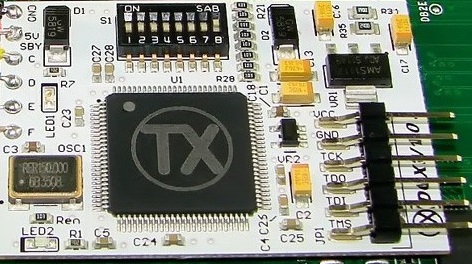
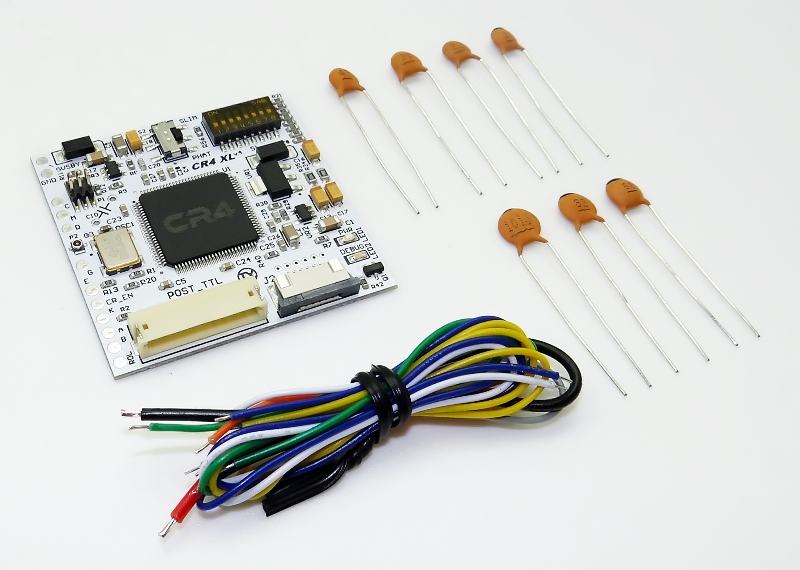
- Corona (CR4)
The items arrived well packaged and they shipped perfectly with no damage. Shop01media ships worldwide which is nice for lots of people trying to find a good place to get real xecuter chips or other modding products. They have a variety of products from Nintendo GC to PS4 and of course Xbox to Xbox One products Big list of items nice layout has prices in DKK, EUR, NOK, PLN, GBP, SEK, USD so you can look at without having to guess. But now onto the products I received.
So i installed the DGX (RGX) in a trinity that was being very stubborn and couldn't get it to glitch for the life of me no matter what i set it to and how good my soldering was this would just not boot. Well with this installed i was able to out of 10 glitches it would glitch within 1-2 glitches about 5-10 secs this would have my console booting i am very well surprised that this chip was able to make that much of a difference and is worth every penny to me. There is several timing files for the trinity and corona that are used with different resistors you find the right set and you are golden and that tutorial they state what to try first i got lucky and did the first set and worked perfect so i did not need to test further as 5-15 sec boots are amazing to me and i am just super stoked that this chip allowed me to do this to my trinity as it was sitting in storage for the longest time, tried multiple chips and this one worked perfect out of them all. If you ever had installed any previous Xecuter glitch chip this one is just as easy as the others.
Now with the CR4 on my corona i am not big fan of the Corona boards as well there is so many versions and before you go and try buying stuff you think you need, first thing you should do is take the xbox apart and figure out what version you have and this will help and save money in the long run. I by far am a big Xecuter fan as they make top notch products that hold many years to come and it proves that with my original Xbox X3 and X2 Modchips still working today. I do not knock others I will be testing other brands here in the next few months to also give my honest feedback and just like Xecuter, even though I like their products if I find something that I don't like i speak my mind. This chip works just as great and i actually tested this out in my corona and also a standard phat 360 (little bit slower on the phats but not by much on boot times this was with no tweaking so if I was to tweak it some I could get amazing boot speeds but i just wanted to test it really fast) my corona boots in about 15 seconds, this I am happy with and install was easy with the guidance of the tutorials on Jrunner itself. This one is a good overall for both the phat and slim Xbox 360's and boots really fast (5 to 15 secs) There is so much tweaking options on the CR4 in time i will see if i can slim that time down but myself i don't like to spend hours on something that boots 2-5 secs when 5-15 seconds is not that long lol. But this option is there for those that want to really fine tweak there console.
If you have a trinity that is really struggling with boot times and/or no booting the DGX(RGX) is going to be the cure for you and I would get them while you can before they get sold out. I am going to be buying a few myself here soon just because of how many hours i spent on trying to get this one i have now to boot in a decent amount of time or to boot at all this chip was able to fix both issues and give me great boot speeds and also if you having issues for some reason Use a 50cm - 70cm to post_out and this should fix the issue.
CR4 overall a great all around chip for both phat and slim Xbox 360s with many tweaking options all in one chip itself in my book is also a great purchase and time saving chip as i just dumped my nands and installed xex and did the custom dash and set it to what they said in jrunner for my type of board and like i said it boots within 5 to 15 secs and i am happy with this.
I have also ordered from Shop01media and i am based in the usa and they will anwser any questions you have before hand and help guide you to the best choice and again have a great selection in many different consoles and world wide shipping. So if you need anything Xbox related or PlayStation or even Nintendo check them out amazing selection.
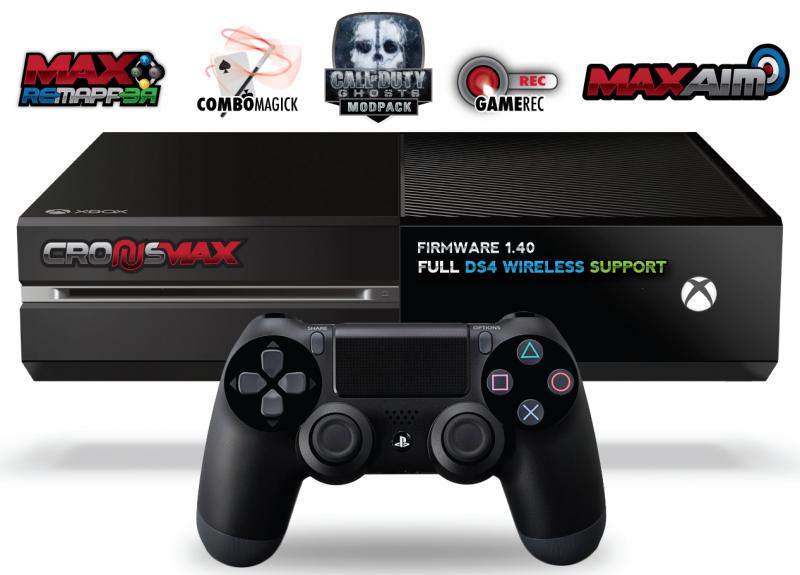
CronusMAX has unveiled another world first – 100% PS4 Controller WIRELESS support for Xbox One, Xbox 360, PS3, Windows PC including STEAM!
Some said it would not be possible with the current version of CronusMAX hardware, that it was too complicated, that the new PS4 controller wireless data was too heavily encrypted. They were wrong.
For the last two weeks the CronusMAX team has been working hard with the CronusMAX team to add complete support for the CronusMAX and XBOX ONE Console.
This is perfect for those who love their old 360 controllers, or had a real expensive modded 360 controller and now don't have to worry about buying another, or want to use a PS4 Dualshock 4 controller or want that extra edge by playing with a keyboard and mouse. Naturally you have full access to all of the modpacks too so you can now play with a fully modded controller on your Xbox One - including our latest addition to the modpack range, CALL OF DUTY GHOSTS V1.0 - again supplied free of charge and will be out very soon
As a Christmas bonus we have also released our latest GamePack – Call of Duty: Ghosts !
New Features:
Introducing World’s First Full PS4 Controller Support *Wired & Wireless*
DualShock 4 Controller on Xbox One *Wired & Wireless*
DualShock 4 Controller on Xbox 360 *Wired & Wireless*
DualShock 4 Controller on PS3 *Wired & Wireless*
DualShock 4 Controller All Rumble Features *Wired & Wireless*
DualShock 4 Controller All Accelerometer (ACCX, ACCY, ACCZ) Features *Wired & Wireless*
DualShock 4 Controller All Gyro Features *Wired & Wireless*
DualShock 4 Controller LED Bar Support *Wired & Wireless*
DualShock 4 Controller Touchpad Support *Wired & Wireless*
Full Scripting and Macro Capabilities on Xbox One *Wired & Wireless*
All GamePacks on PS4 DualShock 4 Controller including Battlefield 4, Call of Duty Ghosts and more! *Wired & Wireless*
Metro Simulator 2 is coming soon for Xbox and PlayStation consoles Ultimate Games (@ULTGames) confirmed that Metro Simulator 2, the realistic and relaxing simulator with faithfully reproduced subway realities and train control mechanics from KishMish Games, will laun..
 HQ Network: 7,981 |
  Guests: 4886 |
 Members: 0



_Official_Launch_Trailer-600x338.jpg)